 Web Maker
This is a guest post by Steven Lambert, creator of Kontra.js.
Making games for the first time can always be a daunting task. In this tutorial, we'll walk through creating a simplified Asteroids arcade game using Kontra.js and Web Maker.
Use a Library #
We'll leverage the Kontra.js game library, a lightweight library built for the JS13kGames game jam. Using a library abstracts away complexity like game loop management, allowing us to focus on gameplay mechanics.
This tutorial covers a simplified version featuring asteroids, a player ship, and bullets -- making it approachable for newcomers.
Setting up the Game With Web Maker #
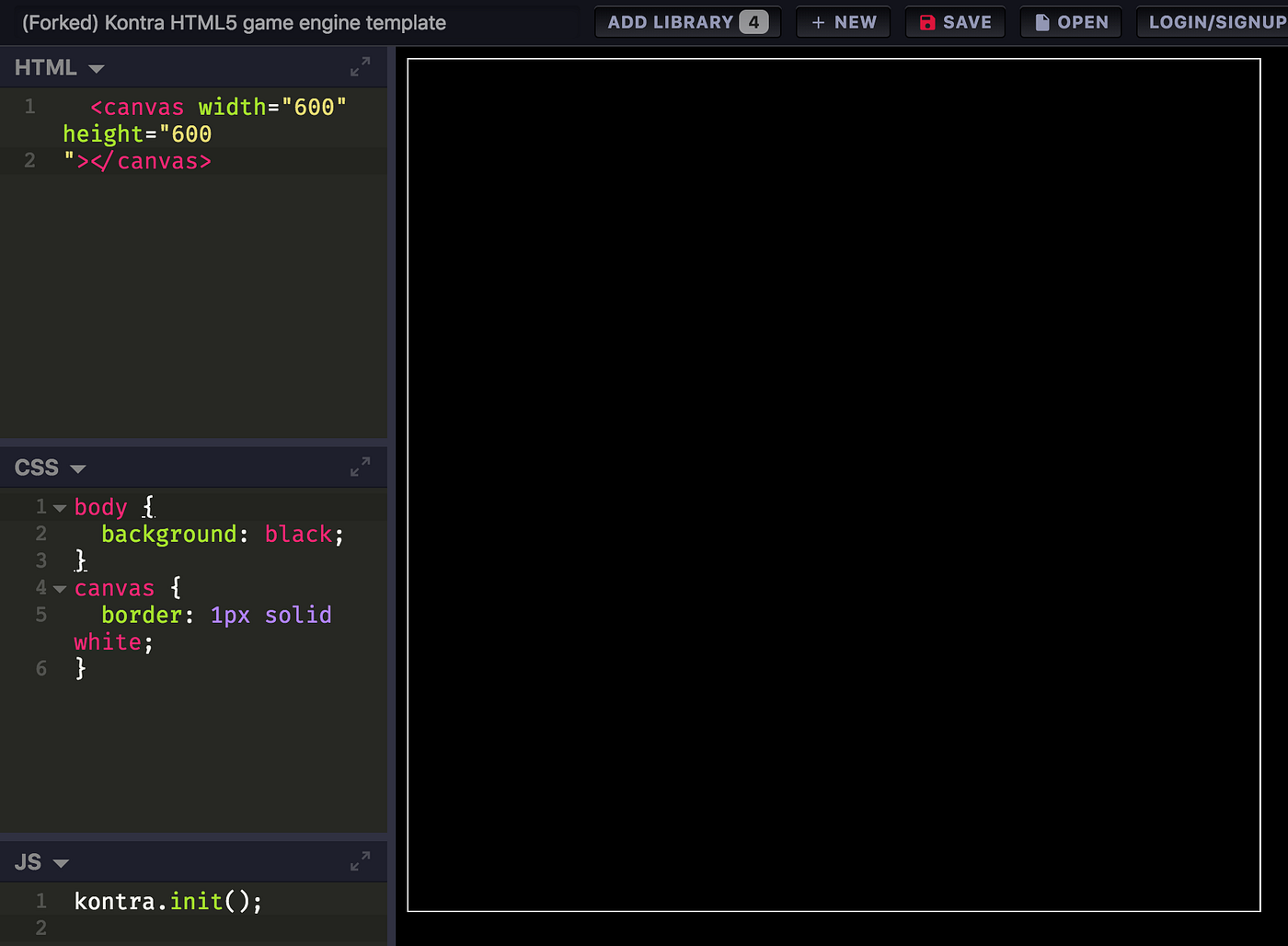
Launch Web Maker app and enable Js13kGames Mode from settings for the appropriate gamedev environment.

The setup process:
- Click New and select the Kontra Game Engine template
- Add the latest Kontra.js library via the Add Library button
- Update the HTML canvas to 600x600 pixels
- Add CSS styling for black background and white border
HTML:
<canvas width="600" height="600"></canvas>
CSS:
body {
	background: black;
}
canvas {
	border: 1px solid white;
}
The JavaScript initialization uses destructuring to capture canvas and context:
let { canvas, context } = kontra.init();
Creating an Asteroid #
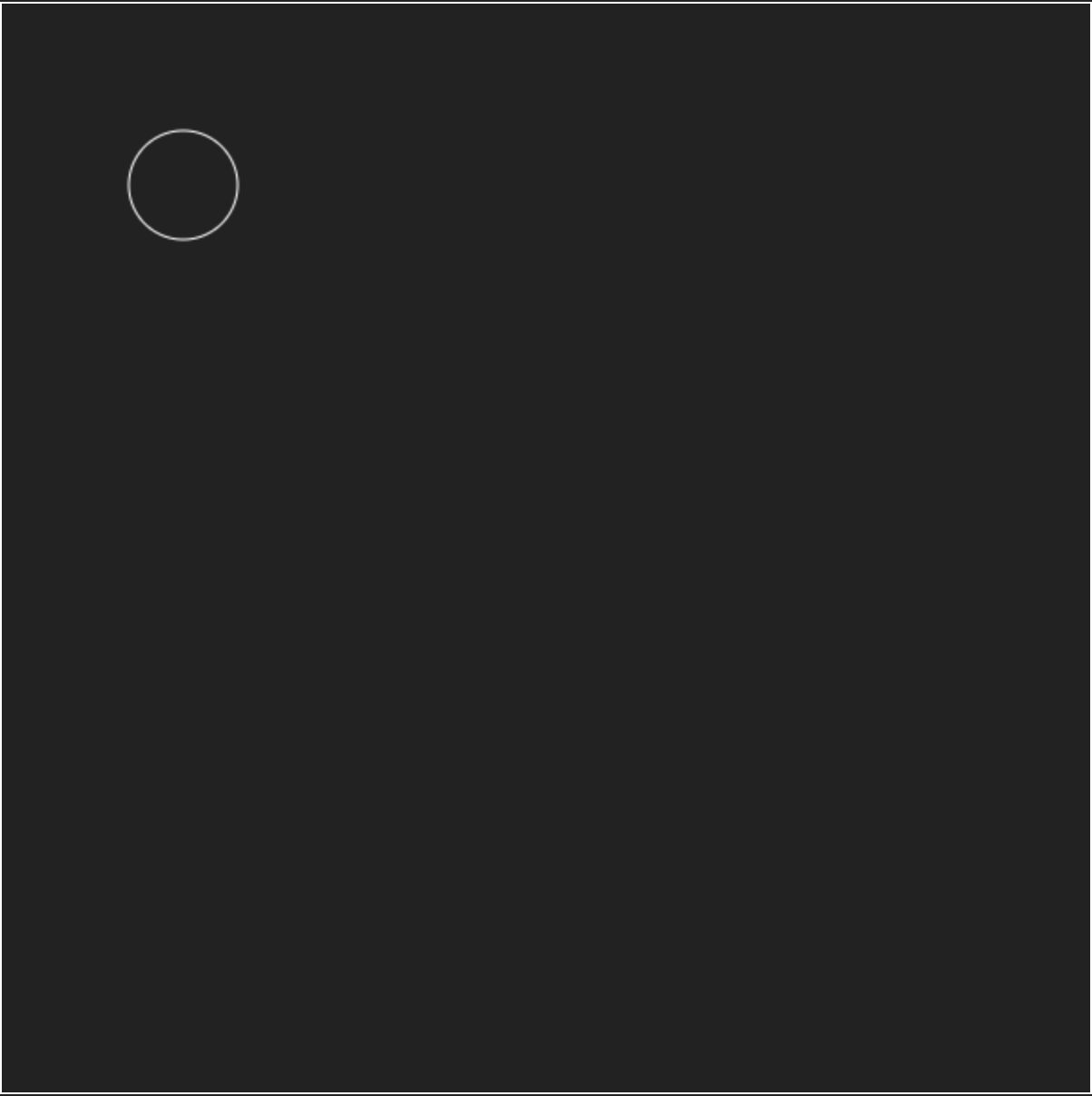
Sprites in Kontra are created using kontra.Sprite(), accepting position, velocity, and rendering logic. The asteroid sprite is drawn as a white circle:
let asteroid = kontra.Sprite({
	type: 'asteroid',
	x: 100,
	y: 100,
	dx: Math.random() * 4 - 2,
	dy: Math.random() * 4 - 2,
	radius: 30,
	render() {
		this.context.strokeStyle = 'white';
		this.context.beginPath();
		this.context.arc(0, 0, this.radius, 0, Math.PI * 2);
		this.context.stroke();
	}
});
asteroid.render();
Notice that we draw the circle using the coordinates {0, 0}. This is because Kontra will automatically move the origin of the canvas to the x and y position of the sprite.
Creating the Game Loop #
A game loop updates and renders sprites each frame. The kontra.GameLoop() accepts update() and render() functions, started with loop.start():
let loop = kontra.GameLoop({
	update() {
		asteroid.update();
	},
	render() {
		asteroid.render();
	}
});
loop.start();
Wrapping Around the Screen #
To prevent sprites from disappearing off-screen, the update function checks boundaries and repositions asteroids that exceed edges. Using the asteroid's radius ensures complete off-screen detection:
update() {
  asteroid.update();

  if (asteroid.x < -asteroid.radius) {
    asteroid.x = canvas.width + asteroid.radius;
  } else if (asteroid.x > canvas.width + asteroid.radius) {
    asteroid.x = 0 - asteroid.radius;
  }
  if (asteroid.y < -asteroid.radius) {
    asteroid.y = canvas.height + asteroid.radius;
  } else if (asteroid.y > canvas.height + asteroid.radius) {
    asteroid.y = -asteroid.radius;
  }
}
More Asteroids #
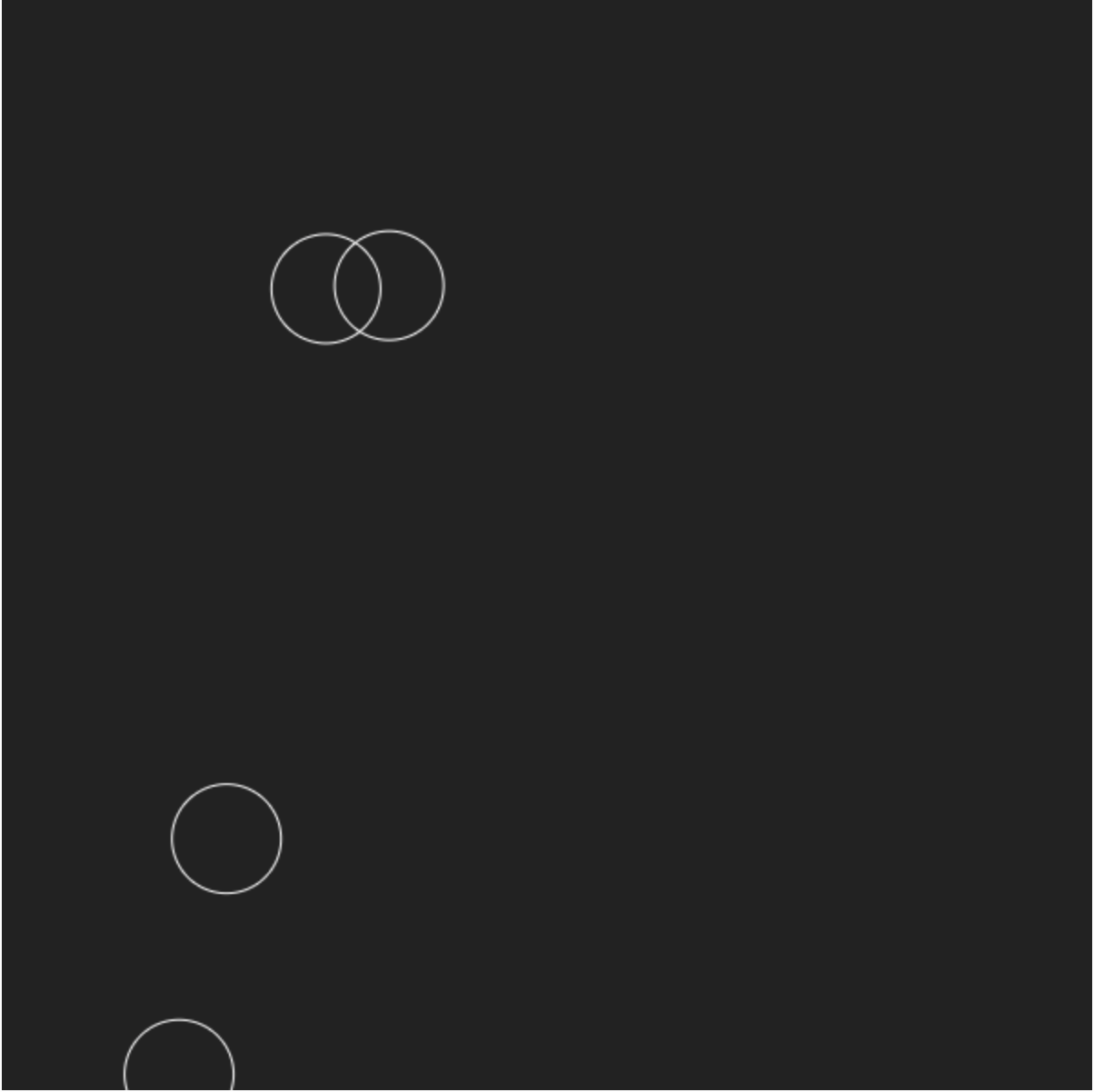
Rather than hardcoding individual asteroids, a factory function createAsteroid() generates multiple instances with random velocities ranging from -2 to 2:
let { canvas, context } = kontra.init();
let sprites = [];

function createAsteroid() {
	let asteroid = kontra.Sprite({
		type: 'asteroid',
		x: 100,
		y: 100,
		dx: Math.random() * 4 - 2,
		dy: Math.random() * 4 - 2,
		radius: 30,
		render() {
			this.context.strokeStyle = 'white';
			this.context.beginPath();
			this.context.arc(0, 0, this.radius, 0, Math.PI * 2);
			this.context.stroke();
		}
	});
	sprites.push(asteroid);
}

for (let i = 0; i < 4; i++) {
	createAsteroid();
}

let loop = kontra.GameLoop({
	update() {
		sprites.map(sprite => {
			sprite.update();
			if (sprite.x < -sprite.radius) {
				sprite.x = canvas.width + sprite.radius;
			} else if (sprite.x > canvas.width + sprite.radius) {
				sprite.x = 0 - sprite.radius;
			}
			if (sprite.y < -sprite.radius) {
				sprite.y = canvas.height + sprite.radius;
			} else if (sprite.y > canvas.height + sprite.radius) {
				sprite.y = -sprite.radius;
			}
		});
	},
	render() {
		sprites.map(sprite => sprite.render());
	}
});
loop.start();
The Player Ship #
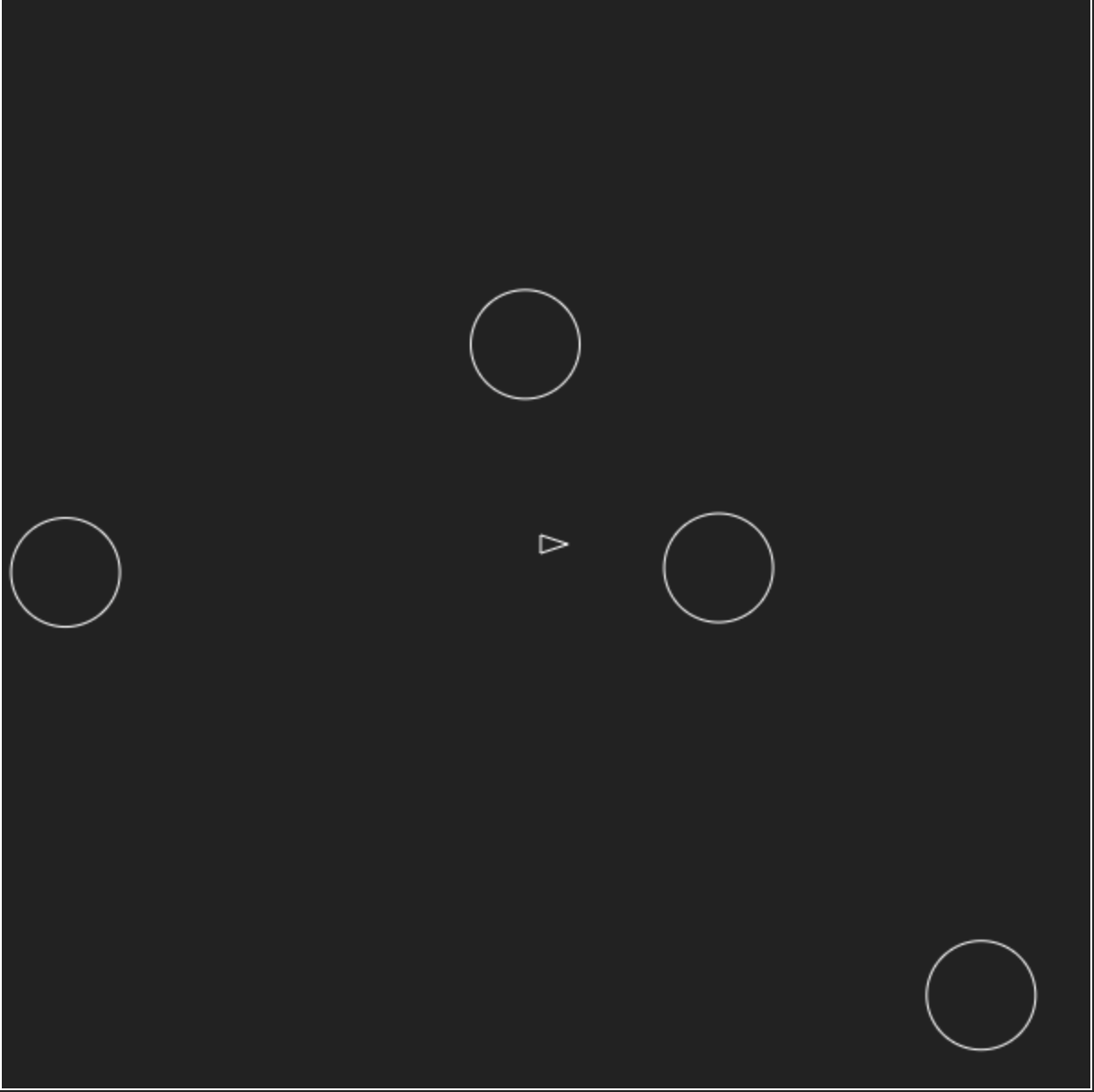
The ship is drawn as a white triangle positioned at the canvas center:
let ship = kontra.Sprite({
	x: 300,
	y: 300,
	radius: 6,
	render() {
		this.context.strokeStyle = 'white';
		this.context.beginPath();
		this.context.moveTo(-3, -5);
		this.context.lineTo(12, 0);
		this.context.lineTo(-3, 5);
		this.context.closePath();
		this.context.stroke();
	}
});
sprites.push(ship);
Rotating the Player Ship #
The ship rotates using left/right arrow keys. First, initialize the keyboard with kontra.initKeys(), then check key states in the ship's update function. Kontra's rotation property handles sprite rotation in radians:
kontra.initKeys();

let ship = kontra.Sprite({
	x: 300,
	y: 300,
	radius: 6,
	render() {
		this.context.strokeStyle = 'white';
		this.context.beginPath();
		this.context.moveTo(-3, -5);
		this.context.lineTo(12, 0);
		this.context.lineTo(-3, 5);
		this.context.closePath();
		this.context.stroke();
	},
	update() {
		if (kontra.keyPressed('left')) {
			this.rotation += kontra.degToRad(-4);
		} else if (kontra.keyPressed('right')) {
			this.rotation += kontra.degToRad(4);
		}
	}
});
Note: Zero degrees is not up, it's to the right. This is because zero radians starts at the right.
Ship Thrust #
Pressing the up arrow moves the ship forward in its facing direction using trigonometry:
update() {
  if (kontra.keyPressed('left')) {
    this.rotation += kontra.degToRad(-4);
  } else if (kontra.keyPressed('right')) {
    this.rotation += kontra.degToRad(4);
  }

  const cos = Math.cos(this.rotation);
  const sin = Math.sin(this.rotation);

  if (kontra.keyPressed('up')) {
    this.ddx = cos * 0.05;
    this.ddy = sin * 0.05;
  }
  this.advance();
}
Ship Maximum Speed #
To prevent uncontrolled acceleration, the ship's maximum velocity is capped by checking the velocity vector's magnitude:
update() {
  if (kontra.keyPressed('left')) {
    this.rotation += kontra.degToRad(-4);
  } else if (kontra.keyPressed('right')) {
    this.rotation += kontra.degToRad(4);
  }

  const cos = Math.cos(this.rotation);
  const sin = Math.sin(this.rotation);

  if (kontra.keyPressed('up')) {
    this.ddx = cos * 0.05;
    this.ddy = sin * 0.05;
  } else {
    this.ddx = this.ddy = 0;
  }
  this.advance();

  if (this.velocity.length() > 5) {
    this.dx *= 0.95;
    this.dy *= 0.95;
  }
}
Firing Bullets #
Spacebar fires bullets with a firing rate limit. A dt variable tracks elapsed time; bullets only spawn after 0.25 seconds have passed. Bullets have a limited lifespan via the ttl property:
let ship = kontra.Sprite({
	x: 300,
	y: 300,
	radius: 6,
	dt: 0,
	render() {
		this.context.strokeStyle = 'white';
		this.context.beginPath();
		this.context.moveTo(-3, -5);
		this.context.lineTo(12, 0);
		this.context.lineTo(-3, 5);
		this.context.closePath();
		this.context.stroke();
	},
	update() {
		if (kontra.keyPressed('left')) {
			this.rotation += kontra.degToRad(-4);
		} else if (kontra.keyPressed('right')) {
			this.rotation += kontra.degToRad(4);
		}

		const cos = Math.cos(this.rotation);
		const sin = Math.sin(this.rotation);

		if (kontra.keyPressed('up')) {
			this.ddx = cos * 0.05;
			this.ddy = sin * 0.05;
		} else {
			this.ddx = this.ddy = 0;
		}
		this.advance();

		if (this.velocity.length() > 5) {
			this.dx *= 0.95;
			this.dy *= 0.95;
		}

		this.dt += 1 / 60;
		if (kontra.keyPressed('space') && this.dt > 0.25) {
			this.dt = 0;

			let bullet = kontra.Sprite({
				color: 'white',
				x: this.x + cos * 12,
				y: this.y + sin * 12,
				dx: this.dx + cos * 5,
				dy: this.dy + sin * 5,
				ttl: 50,
				radius: 2,
				width: 2,
				height: 2
			});
			sprites.push(bullet);
		}
	}
});

sprites.push(ship);
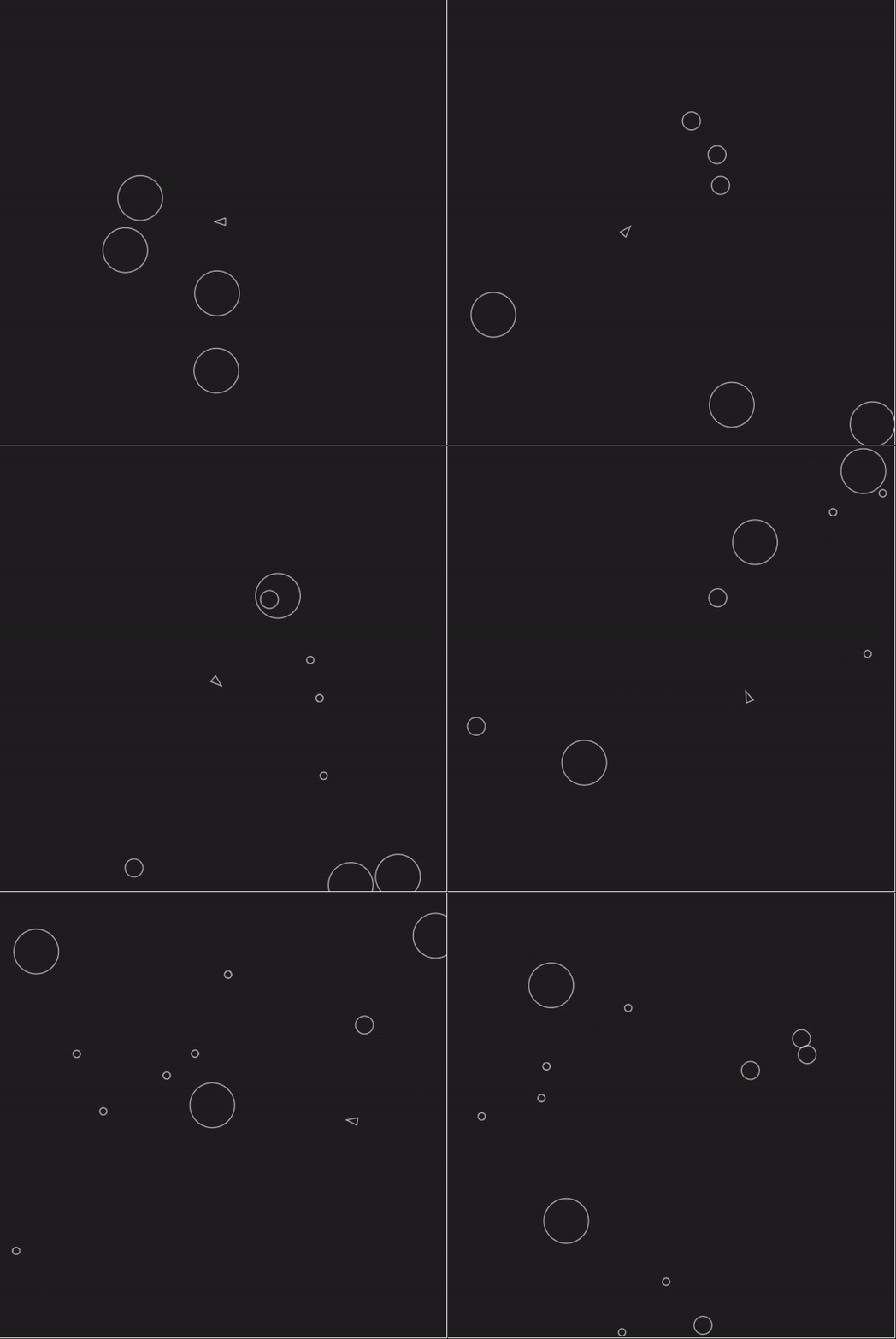
Dead bullets are filtered from the sprites array:
sprites = sprites.filter(sprite => sprite.isAlive());
Collision Detection #
Circle-to-circle collision checks occur in the game loop. Non-asteroid sprites collide with asteroids; asteroids don't collide with each other:
for (let i = 0; i < sprites.length; i++) {
	if (sprites[i].type === 'asteroid') {
		for (let j = 0; j < sprites.length; j++) {
			if (sprites[j].type !== 'asteroid') {
				let asteroid = sprites[i];
				let sprite = sprites[j];

				let dx = asteroid.x - sprite.x;
				let dy = asteroid.y - sprite.y;

				if (Math.hypot(dx, dy) < asteroid.radius + sprite.radius) {
					asteroid.ttl = 0;
					sprite.ttl = 0;
					break;
				}
			}
		}
	}
}

sprites = sprites.filter(sprite => sprite.isAlive());
Splitting the Asteroid #
The createAsteroid() function accepts position and radius parameters, enabling creation of smaller asteroids when larger ones are destroyed. Asteroids only split if their radius exceeds 10 pixels:
function createAsteroid(x, y, radius) {
	let asteroid = kontra.Sprite({
		type: 'asteroid',
		x,
		y,
		dx: Math.random() * 4 - 2,
		dy: Math.random() * 4 - 2,
		radius,
		render() {
			this.context.strokeStyle = 'white';
			this.context.beginPath();
			this.context.arc(0, 0, this.radius, 0, Math.PI * 2);
			this.context.stroke();
		}
	});
	sprites.push(asteroid);
}

for (let i = 0; i < 4; i++) {
	createAsteroid(100, 100, 30);
}
In the collision detection, splitting occurs when larger asteroids are hit:
if (Math.hypot(dx, dy) < asteroid.radius + sprite.radius) {
  asteroid.ttl = 0;
  sprite.ttl = 0;

  if (asteroid.radius > 10) {
    for (let i = 0; i < 3; i++) {
      createAsteroid(asteroid.x, asteroid.y, asteroid.radius / 2.5);
    }
  }
  break;
}
Game Over #
Congratulations, you've just made your first game! From here you could add player lives, wandering UFOs, hyperspace, scoring, or a reset button.
If you participate in the Js13kGames jam, share your creations on Twitter via @StevenKLambert, @js13kgames, and @webmakerApp.